Model 301/302 User Application Software
links below for complete installation packages
(click thumbnail image to zoom full-size)
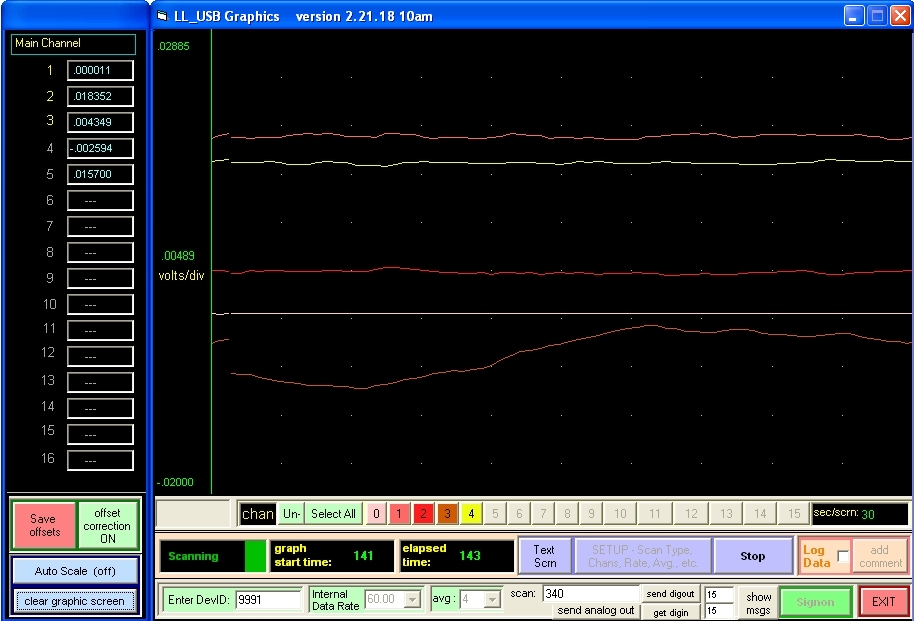
graphing app
2k/XP/Vista/7/8/10
app updated 5-17-18
DLL updated 5-22-18
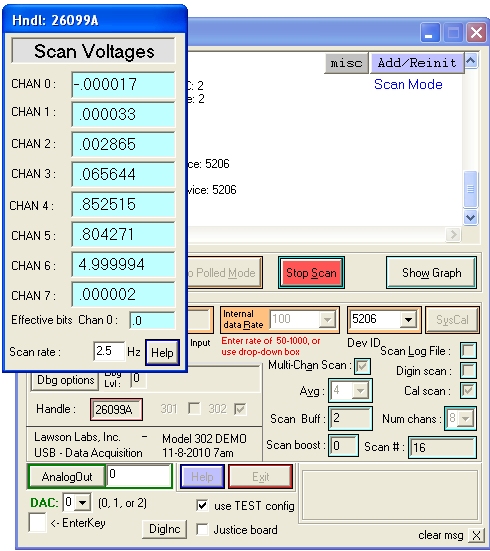
screenshots of the app
graphics screen
text screen
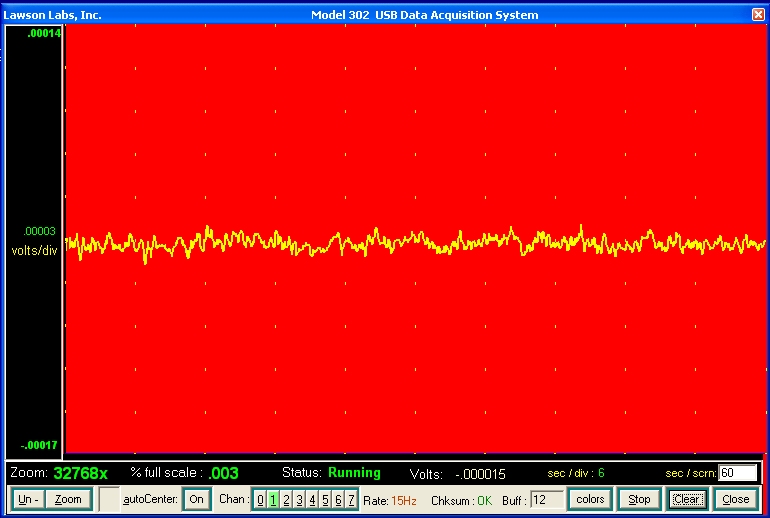
original app
2k/XP/Vista/7/8/10
app updated 10-24-14
VB source code available
Front panel
Graphing panel
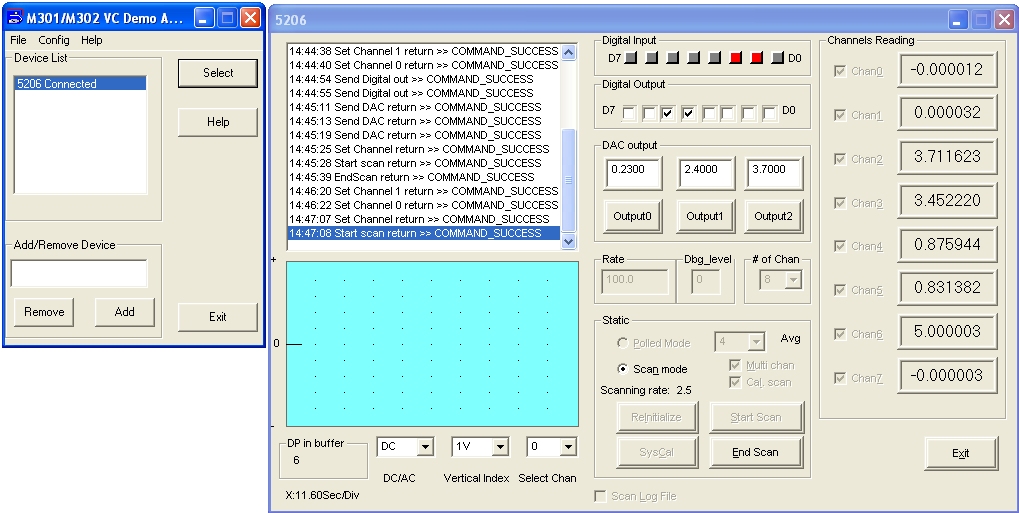
GUI app
2k/XP/Vista/7/8/10
app updated 7-9-03
98/ME
C++ source
code available
application control panel
For troubleshooting DLL/Driver installation go
HERE
Download GUI style sample application for Win98/ME
archive
download archive, extract to a new folder,
and follow installation instructions within the archive
Download Graphing App for Win2k/XP/Vista/7/8/10
archive
Download GUI style sample application for Win2k/WinXP/Vista/7/8/10
View application screenshots - small images
View application screenshots - normal images
click here to download application archive
instructions for opening archive
(plain text style format)
Download GUI style sample application for Win2k/WinXP/Vista/7/8/10
VisualBasic runtime files kept within application folder
-
no special setup required
-
eliminates possibility of overwriting newer system DLLs
View application screenshots - small images
View application screenshots - normal images
click here to download application archive
instructions for opening archive
(html document will open in new window)
docs and this page updated 3-6-14
application archive content updated 12-10-14
this page last reviewed/modified:
19 May 2018, 11am